
There’s a saying that Rome wasn’t built in a day.
And the work behind Rome didn’t start on day one either.
By the time construction begins, the people building something already bring years of experience, judgment, taste, habits, and ways of solving problems with them.
I felt something similar while building my first website with AI.
I didn’t suddenly acquire everything I needed the day I opened Codex. Some of the most useful preparation had been happening for months—in the way I used AI every day, the courses I took, the projects I created, and even a learning method my calculus professor taught me years ago.
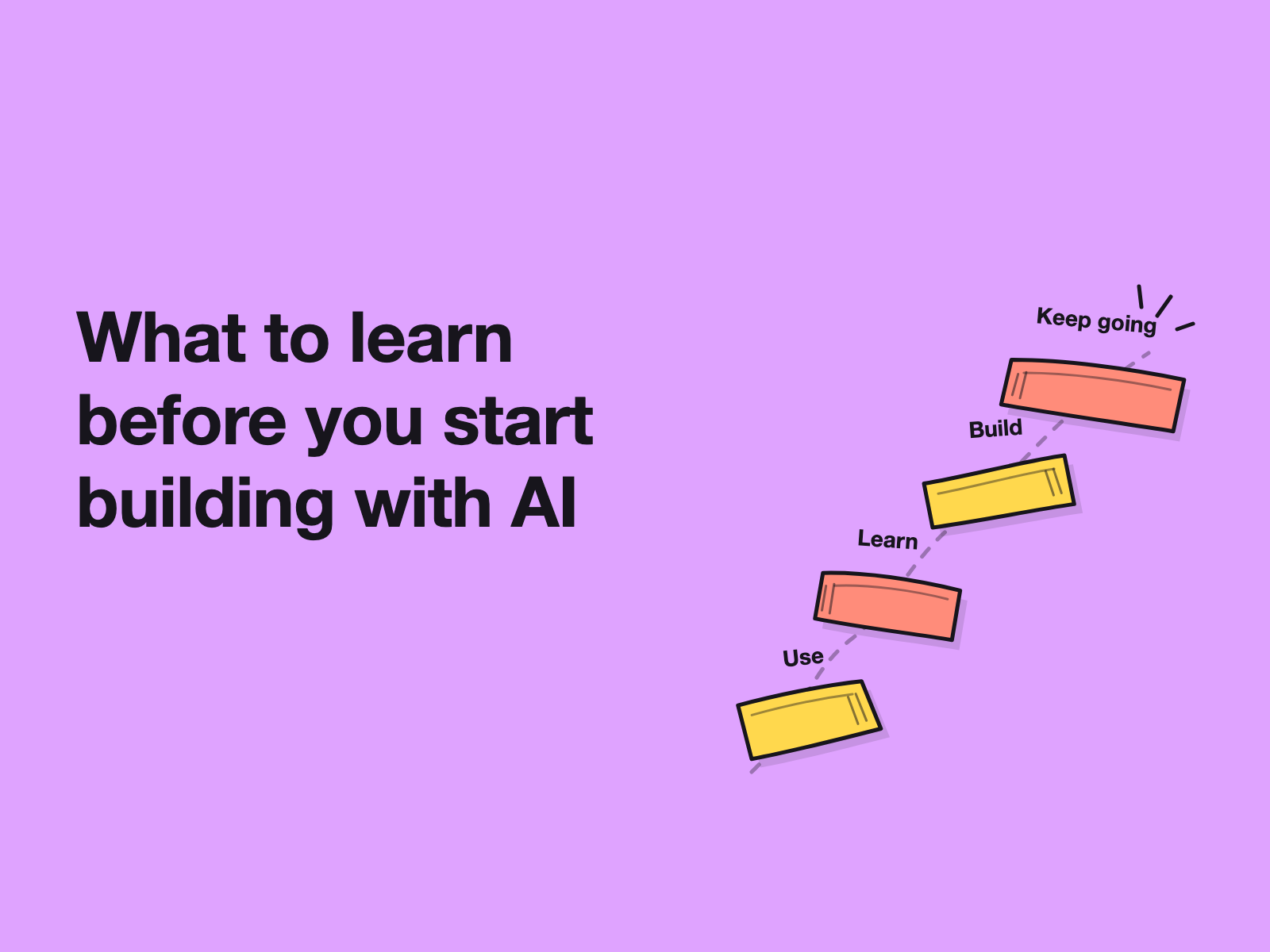
Looking back, I think three things prepared me more than trying to “learn vibe coding” all at once.
1. Build AI fluency before you need it
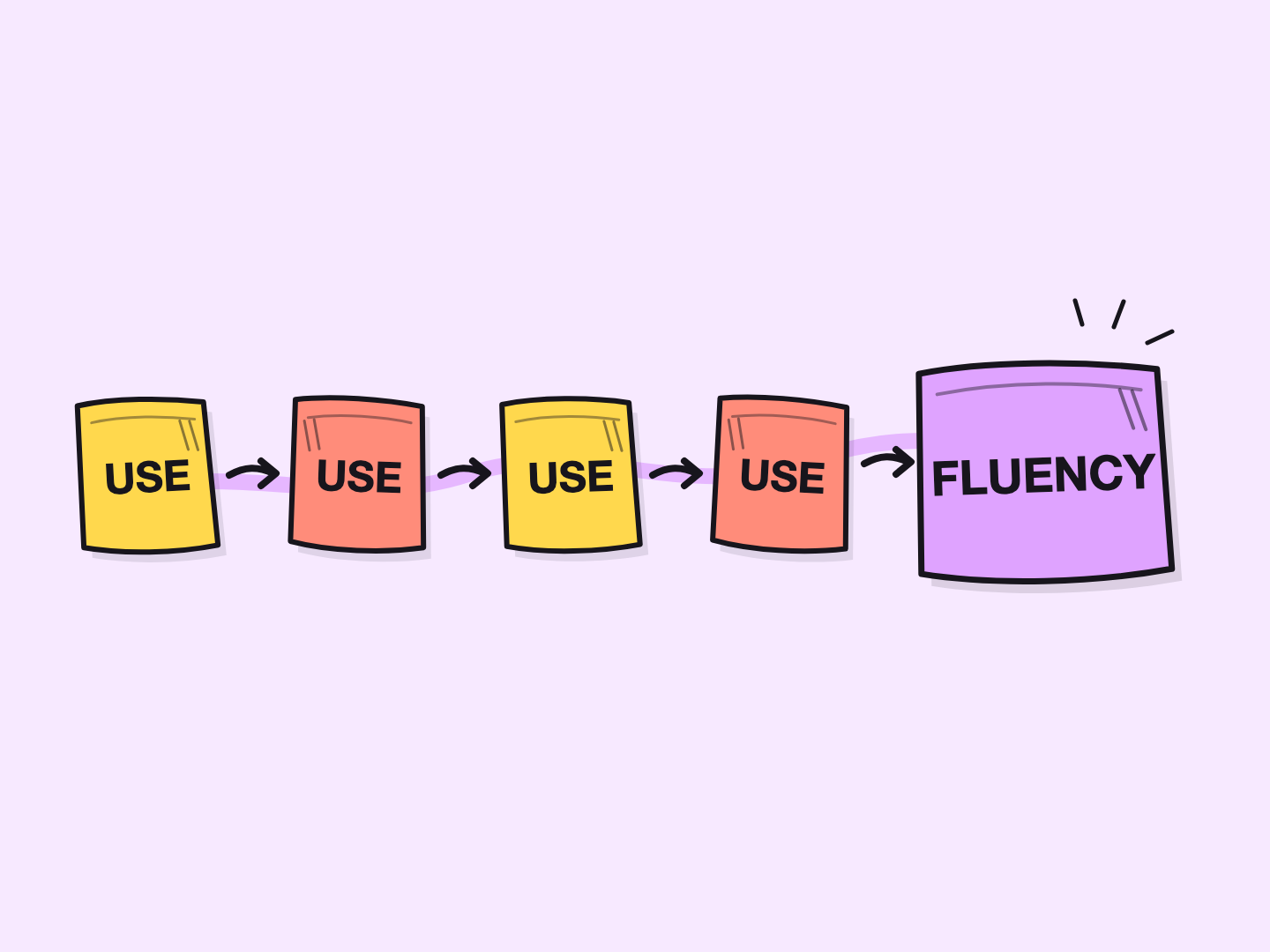
The most useful preparation was also the least dramatic:
Use AI. A lot.
Before building my website, I had already spent months using ChatGPT across different parts of my work and life.
Not only for one-off questions.
I gradually started creating dedicated Projects for different areas—AI product research, career planning, editorial work, daily planning, reading, and other recurring workflows.
That changed the relationship.
Instead of repeatedly opening a blank chat and explaining myself again, I could keep related conversations, instructions, files, and context around one ongoing objective.
That is also how OpenAI currently describes Projects: workspaces designed to keep chats, files, instructions, and context together for repeated or long-running work.
For me, the practical value was bigger than organization.
Repeated use taught me how I work with AI.
I learned when I wanted AI to challenge me rather than agree with me. I learned when a long prompt helped and when it only added noise. I learned which decisions benefited from multiple rounds of discussion, what context needed to be preserved, and when I should stop asking AI for more options and make the call myself.
None of this felt like “website-building training” at the time.
It became website-building training later.
🍏 Key takeaway:
If you want to build with AI, don’t wait until you have a project to start learning how to collaborate with it.
Use AI in real situations where you already understand the problem.
Create Projects around recurring work instead of treating every interaction as an isolated chat. Give AI context, develop repeatable workflows, and notice where the collaboration works—and where it breaks down.
The goal is not to become better at prompting for its own sake.
The goal is to understand how you and AI work best together before the stakes get higher.
2. Use courses to expand the boundaries of what you think AI can do
Using AI every day creates fluency. But it can also create a blind spot.
We naturally become good at using the features we already know we need.
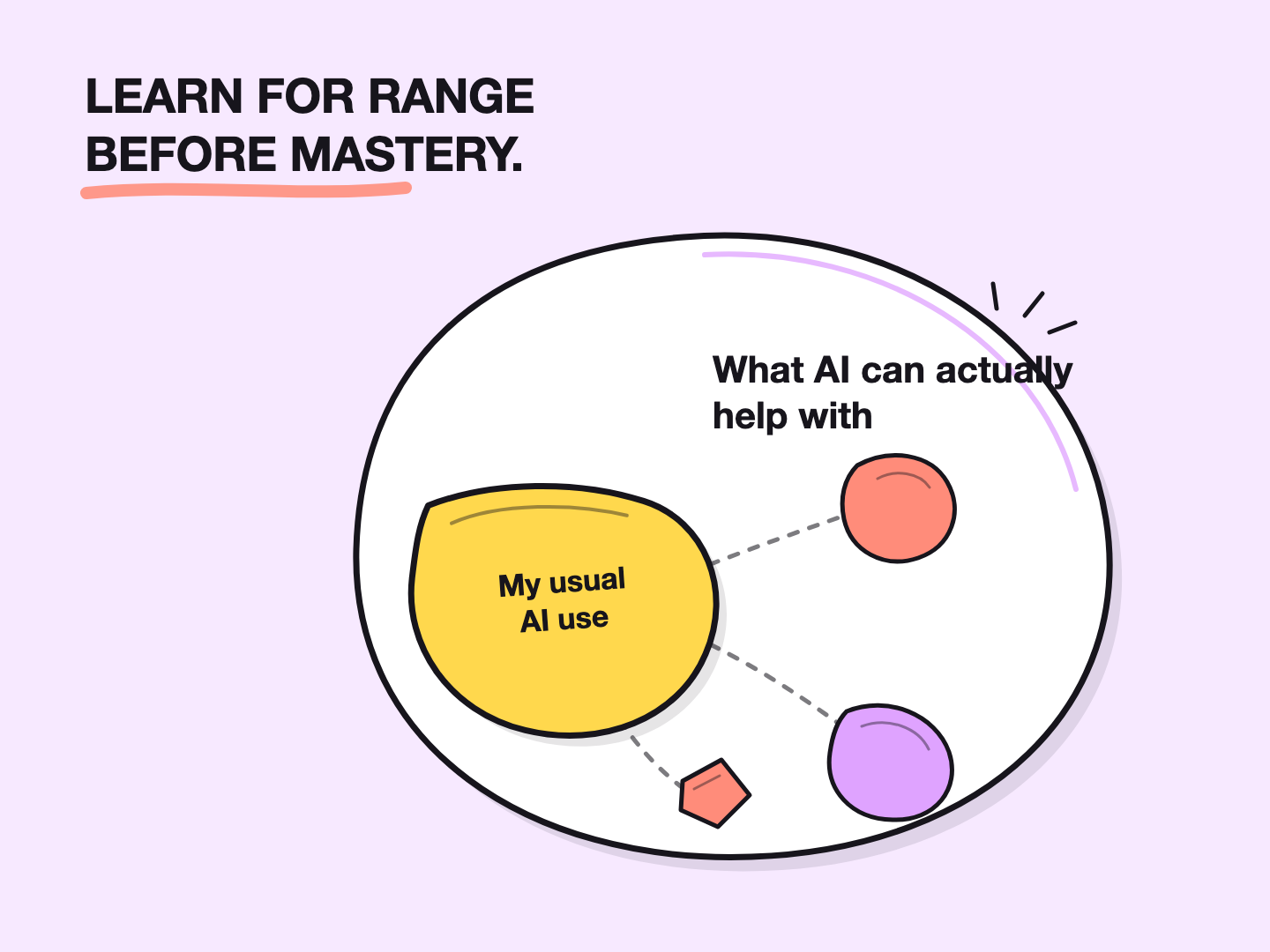
If you write a lot, you may become very good at using AI for research, editing, brainstorming, and drafting. But you may rarely touch video generation, data analysis, app building, or other capabilities because nothing in your normal workflow pushes you there.
Over time, frequent use can create an illusion:
I use AI every day, so I probably understand what it can do.
Those are not the same thing.
This is where structured learning has been useful for me.
At different stages, I’ve taken courses not because I wanted to master every tool, but because I wanted someone else to temporarily define the syllabus—to expose me to capabilities I might never discover through my own habits.
One example is the Google AI Professional Certificate.
The program spans areas including planning, research, communication, content creation, data analysis, and app building. What interested me was not learning every Google AI feature well enough to use it every day.
It was seeing the broader capability map.
When I know what is possible, I can decide later which tool is appropriate when a real problem appears.
The same principle applies if you mainly use one AI product.
If ChatGPT, Claude, or any other AI tool is already part of your daily workflow, you don’t need to master every new feature the moment it launches. But periodically stepping outside your habitual use cases—through an official guide, course, tutorial, or hands-on experiment—can reveal parts of the product you would otherwise never touch.
🍏 Key takeaway:
Learn for range before you learn for mastery.
You don’t need deep expertise in every AI capability.
You need enough awareness to recognize:
“This is something AI might be able to help me with.”
Then, when the need becomes real, you can go deeper.
That is a much more practical learning goal than trying to keep up with everything AI can do.
3. Learn on demand instead of waiting until you feel ready
This is where my calculus professor unexpectedly enters the story.
At university, he taught us a study method before the final exam.
Some students had missed classes. Others had gaps in what they understood. Starting the entire course again from page one would have been slow, overwhelming, and unnecessary.
His suggestion was simple:
Start from what the exam requires.
Follow the key topics. When you reach something you don’t understand, go backward until you find the missing concept. Learn that piece, return to the original problem, and keep moving.
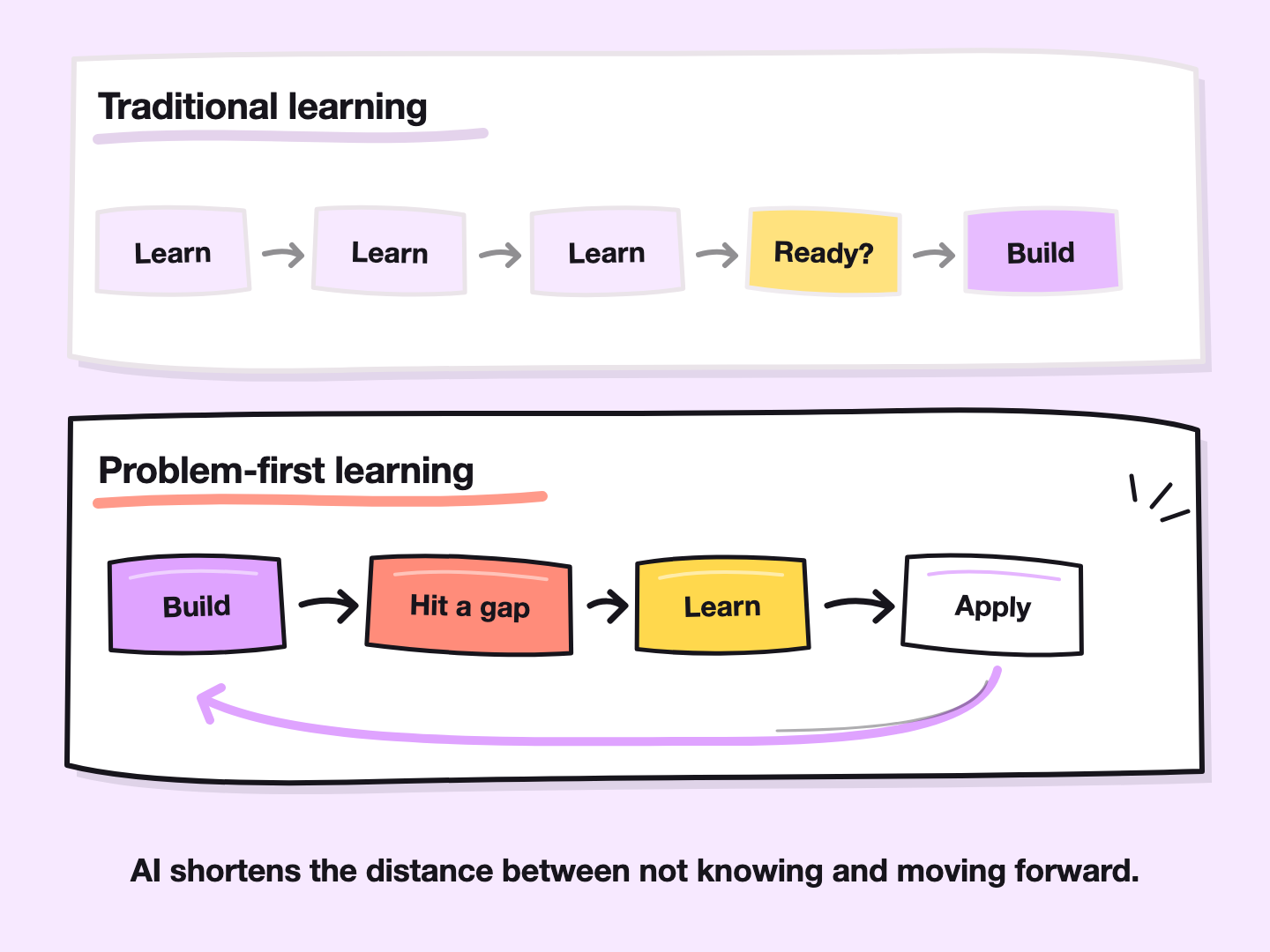
I later gave this approach my own name: the “airdrop method.” At its core, it’s a form of problem-first learning.
Instead of learning everything in sequence before taking action, you drop yourself directly into the problem and work backward to the knowledge you actually need.
I’ve used that approach many times since university.
It turned out to be especially useful for building with AI.
I had never independently built a complete website before. If I had decided that I first needed to understand product design, information architecture, UX, frontend development, responsive design, typography, color systems, deployment, and everything else involved in web development, I probably still wouldn’t have started.
Instead, I started with the website.
Then the problems told me what I needed to learn.
- I needed positioning, so I worked through positioning with AI.
- I needed a PRD, so I learned what a useful PRD needed to contain.
- I needed a homepage structure, so I studied websites I liked and discussed their information hierarchy with AI.
- I didn’t understand the color system well enough, so I explored references, compared options, and learned enough to make a decision.
Typography unclear? Learn that next.
Responsive layout? Deal with it when the real page exposes the problem.
The process wasn’t:
Learn everything → Become ready → Build
It was:
Build → Hit a real problem → Learn what the problem requires → Apply it → Keep building
That distinction removed a lot of unnecessary anxiety.
🍏 Key takeaway:
Don’t use “I don’t know enough yet” as a prerequisite for starting.
When you reach something you don’t understand, treat it as a learning prompt.
Ask AI to explain the concept. Ask what decisions you actually need to make. Look at strong references. Learn enough to make the next decision, apply it immediately, and keep moving.
You can go deeper later when the problem deserves deeper knowledge.
AI doesn’t eliminate the need to learn. It shortens the distance between not knowing and being able to move forward.
3 things to prepare before building your first AI-assisted website
1. Collaboration readiness
Use AI often enough that you understand how to give context, ask better questions, challenge answers, and iterate.
2. Capability awareness
Use courses and deliberate exploration to understand the range of things modern AI tools can help with—even outside your normal workflow.
3. Learning agility
Get comfortable entering a problem before you know everything and learning the missing pieces as they become necessary.
You don’t need all the answers before you begin. You need enough readiness to find the next one.
🌟 The first 0.00001 step
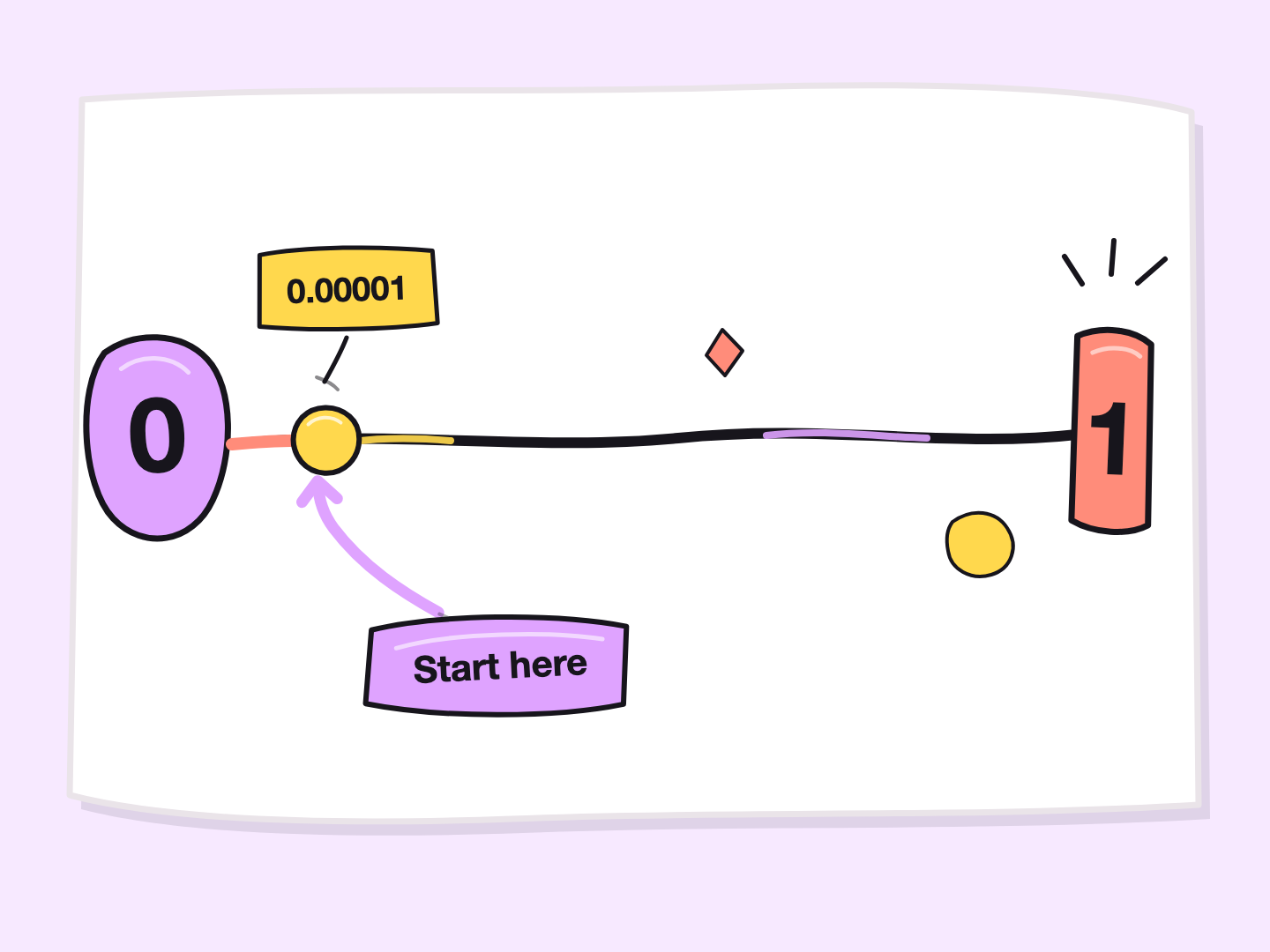
For me, the hardest part of going from 0 to 1 was never the entire distance.
It was the first 0.00001.
Once I started, every real problem gave me the next thing to learn.
AI became part teacher, part thinking partner, part researcher, part builder—and sometimes the person I could ask the embarrassingly basic question I might hesitate to ask someone else.
But perhaps its biggest value to me has been this:
I no longer have to know the entire path before taking the first step.
Building my website reminded me a little of learning guitar.
You don’t begin by playing the whole song.
You learn one note.
Then another.
At some point, those individual notes become music.
AI makes it much easier to find the next note.
But you still have to pick up the guitar.
Use it. Learn with it. Build with it. Then keep going.